Websites
The Ultimate Wordpress vs. Webflow Guide for Businesses (2025)
Find out if Wordpress or Webflow is the right fit for your business in 2023. This comprehensive guide discusses design, security, performance, reliability, and more.
When you're getting ready to work with an agency to create a website for your business, there are a lot of platforms you could choose from. However, two of the most popular options in 2023 are Wordpress and Webflow. Choosing the platform that's best for your business is important, and it can be difficult to understand the pros and cons of each.
In this guide, we break down the key differences between Wordpress and Webflow and explain why each factor is important to your business. Let's get started!
Website Design
Winner: Webflow
In short: Webflow is a great fit for your business if you want a website where every element is customizable, that also incorporates micro-animations, unique interactive sections, and innovative design. Wordpress is a great fit for businesses with more standard design goals.
Your website's design is arguably the most important part. In fact, a study showed that 94% of first impressions relate to your site's web design, so it's crucial you select a platform that helps create a website with a stunning and engaging design.
Webflow
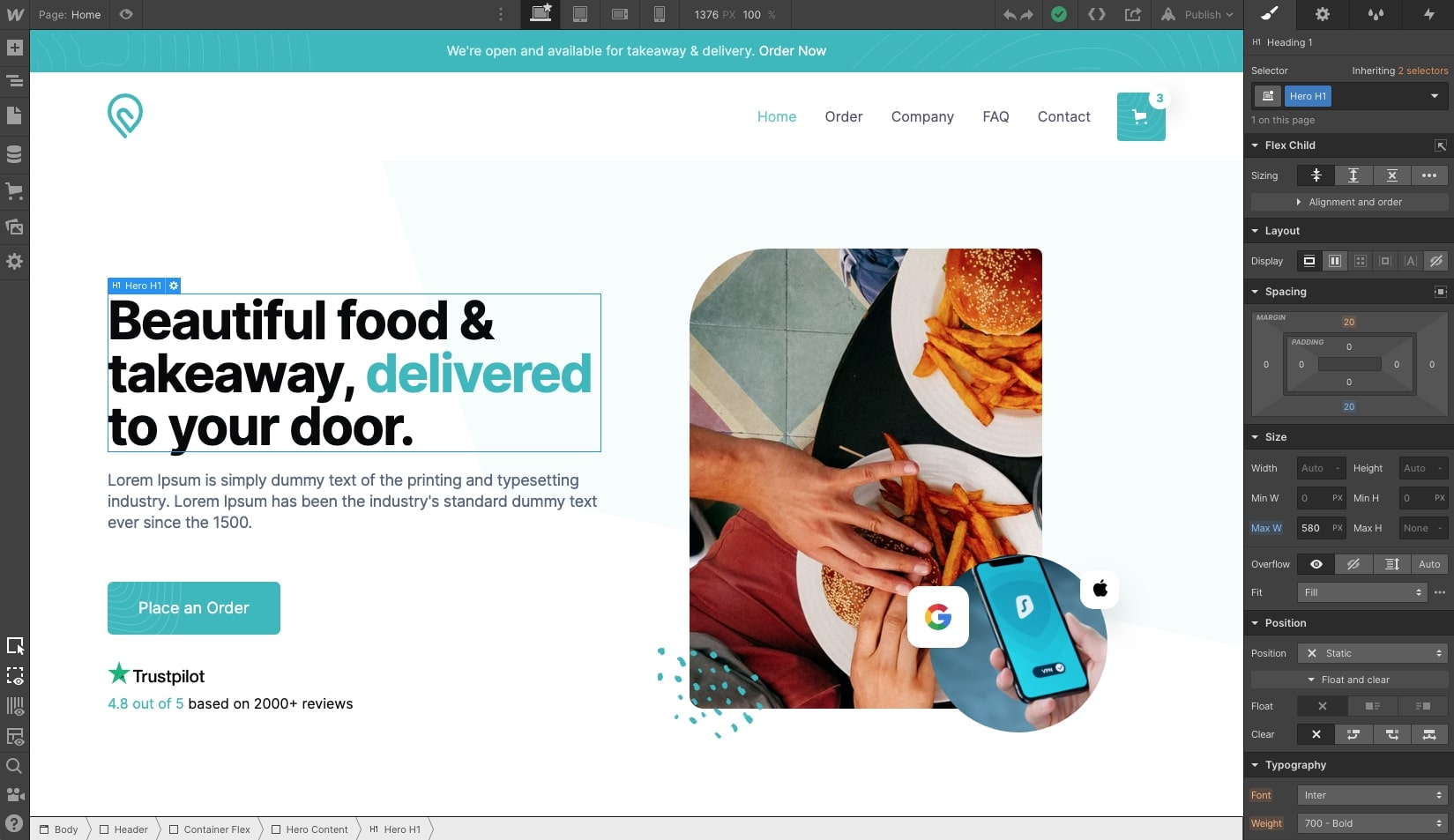
With Webflow's page builder, called the Designer, developers can easily create fully custom website designs with no code. Wordpress also has page builders similar to Webflow, but they have to be installed as a plugin. Since Webflow's builder is directly integrated, there are more features and customization options. In general, it's easier for designers and developers to be creative with Webflow.
One of the biggest perks of utilizing Webflow is the custom animation builder, called Interactions, which can be very engaging for customers in order to keep them on the page longer. Here's a crazy statistic: The average internet user spends 88% more time on a website with video than without. This is hugely important because animations and video on your website can lead to higher customer engagement and increase the average time spent on the page, which can boost your SEO ranking and conversion rates.
Wordpress
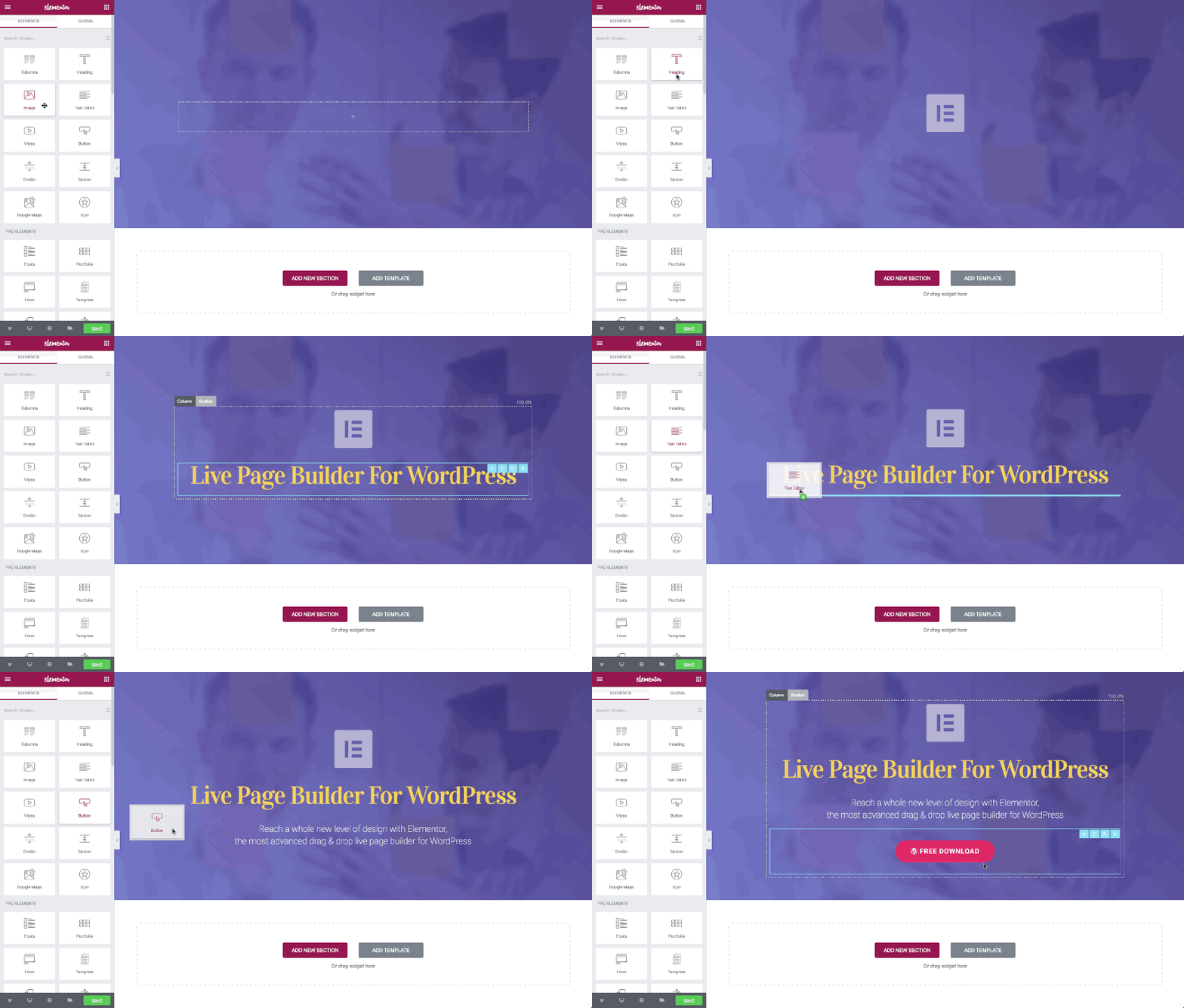
Wordpress has a great selection of page builder plugins like Elementor, Divi, and WP Bakery that can be used to make websites with no code, similar to Webflow. These page builders generally offer basic customization options like fixed grid-based layouts and a set number of CSS properties. Additional customizations can require custom code, which can take extra time and skills for developers to accomplish.
Well designed, successful websites are made all the time in Wordpress - but the more ambitious features and designs that are needed, the more plugins will need to be added, which can slow down your site. If there is a more complex design need, it could take extra development time in Wordpress compared to Webflow.
Security
Winner: Webflow
In short: Wordpress sites can gain vulnerabilities through third-party plugins and themes, and the latest updates need to be installed to protect against threats. Because Webflow doesn't rely on plugins, developers do not need to worry about updates or introducing security threats.